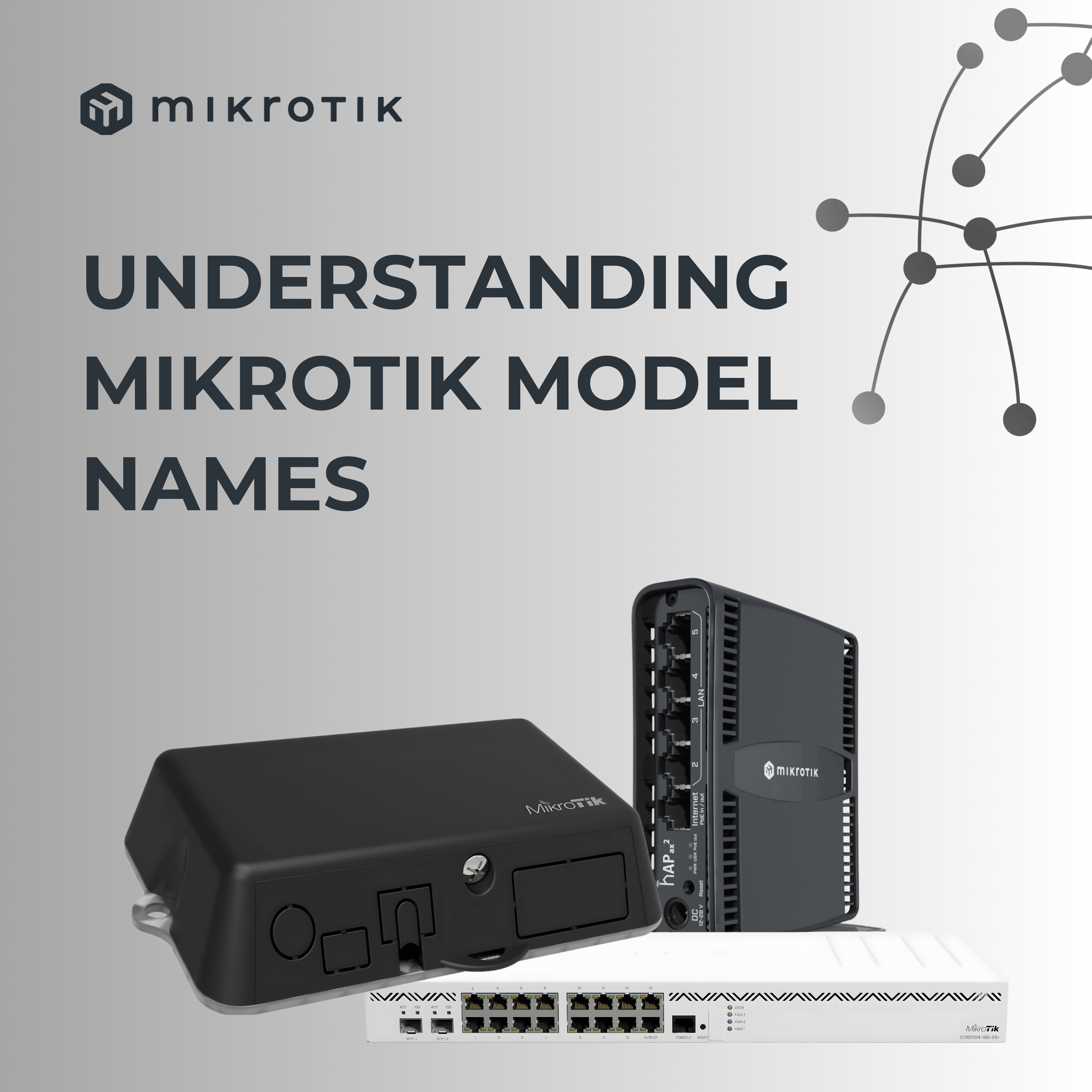
MikroTik router names can look confusing at first glance, but there is a pattern. Once you know how to read them, the numbers and letters start telling a very clear story about what the device can do.
Here’s a simple breakdown - using just two examples.
Example 1: CCR2004-1-2XS-PCIe
At first this looks chaotic, but it’s actually very logical:
CCR → Cloud Core Router (their high-performance series)
2004 → 2nd generation, 4-core CPU
1 → One management/control port
2XS → Two SFP28 fibre ports (25Gbps each)
PCIe → It isn’t a standalone router — it’s a PCI Express card
What does this mean in the real world?
It’s perfect for a server that needs very high-speed fibre connectivity directly inside the chassis. You plug it into a PCIe slot, and it behaves like a full MikroTik router on a card!
Example 2: CCR2216-1G-12XS-2XQ
This one is MikroTik’s top-tier performance router.
Let’s decode it:
CCR → Cloud Core Router
2216 → 2nd generation, 16-core CPU
1G → One Gigabit Ethernet management port
12XS → Twelve 25Gbps SFP28 ports
2XQ → Two 100Gbps QSFP28 ports
What does this mean in practice?
It’s built for serious work: ISP core routing, massive enterprise networks, and any environment where 25Gbps and 100Gbps links are standard.
It also has hot-swap PSUs and fans, a sign it’s designed for environments where uptime is critical!
The takeaway
Once you learn the pattern, MikroTik names stop looking random.
The numbers tell you the CPU generation and core count.
The letters tell you the enclosure and port types.
The suffixes (like PCIe) tell you the form factor.
And suddenly, the part numbers actually make sense!