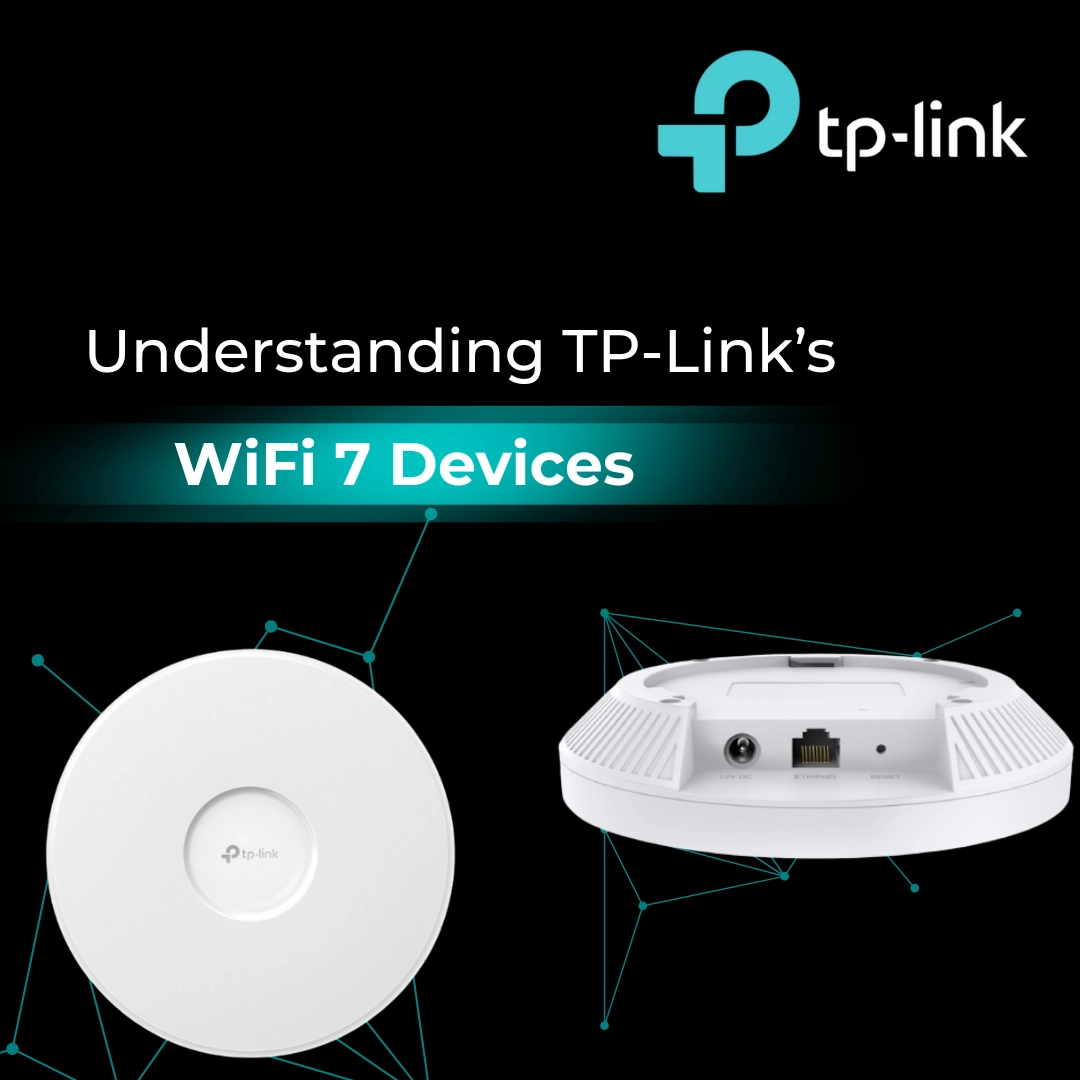
Thinking about giving your WiFi a serious boost? Whether it’s a bustling office, your smart-packed home, or a spacious outdoor area, TP-Link’s Omada range might be exactly what you need.
With WiFi 7 now here, TP-Link is stepping things up with faster speeds, smarter management, and access points built for just about every environment.
Not sure what it all means? Don’t worry, we’ll break it down and highlight the key products so you can see which one might fit your set-up best.
What is an Access Point and Why Do I Need One?
Think of an access point as a WiFi booster that spreads your internet signal further and keeps it strong, even in busy spaces. If you’ve got lots of people or devices connected at once, in an office, school, café, or outdoor venue, an access point makes sure no one’s signal drops.
Here’s why access points matter:
-
They eliminate WiFi dead zones
-
They keep large groups of users connected smoothly
-
They provide a central hub for managing multiple devices efficiently
Standout Features in TP-Link’s Omada Range
Simple Management
With Omada SDN, TP-Link’s network management platform, you don’t need to be a network expert. Everything can be set up and controlled through an app or web browser.
Zero-Touch Provisioning
When you add a new Omada access point to your network, it automatically receives its configuration from the cloud or central controller. There’s no need to manually log in and set it up.
This is especially valuable in larger deployments such as offices, schools, or hotels, where dozens of APs might need to go live at once. It saves huge amounts of time, reduces human error, and ensures every AP is configured consistently. For growing businesses, it means you can just plug in a new device and let the system do the rest.
Batch Configuration
Instead of configuring each access point individually, administrators can apply the same settings, such as WiFi name, security protocols, or VLANs, to a whole group of devices at once.
This makes set-up far quicker and ensures that every AP is aligned with the same network policies. Whether you’re deploying 5 or 50 access points, batch configuration keeps things consistent and avoids the need for repetitive, manual work.
Smart Performance
Omada APs keep networks stable, even in crowded environments.
Auto Channel Selection
Omada access points continuously scan the surrounding wireless environment and choose the least congested channel to broadcast on. This means they can avoid interference from other WiFi networks in the area.
By staying on a clean channel, the network runs more smoothly, even in dense environments like offices in heavily populated areas or campuses where many different WiFi signals compete. It keeps connections stable without requiring IT admins to constantly tweak settings.
Remote Troubleshooting
Admins can log into the Omada controller from anywhere to monitor performance, check logs, and resolve issues. This makes it possible to diagnose and fix problems without being physically present.
For IT teams managing multiple sites, it means faster response times and far less travel. Problems can often be resolved before end-users even notice them, which minimises downtime and keeps productivity high.
Power Adjustment
Access points are able to adjust their signal strength automatically, boosting or reducing power to ensure coverage is balanced. This prevents APs from overlapping too much and interfering with each other.
The result is smoother handovers between APs and stronger coverage throughout the space. In large installations, it ensures there are no dead zones, while in high-density setups it avoids overcrowding on any one signal.
Flexible Deployment
-
Ceiling-Mounted: For offices, classrooms, and large rooms.
-
Wall-Mounted: For hotels, apartments, or smaller installs.
-
Outdoor Units: Weatherproof and long-range for campuses or venues.
Scalability
Start small and expand later, Omada lets you add more APs or manage multiple sites through the same cloud platform.
Best TP-Link Omada Access Points by Category
| Category | Model(s) | Type | Ideal For | Why It Stands Out |
| Best Ceiling Access Points | EAP723, EAP772 (v2), EAP773 (with EAP775 and EAP783 series coming) | Indoor (Ceiling-mounted) | Offices, classrooms, large rooms | Wide, reliable coverage, WiFi 7 speeds, some models with Tri-Band (6GHz) |
| Best Wall Access Point |
EAP725-Wall (Dual-Band WiFi 7) and EAP775-Wall (Tri-Band WiFi 7, higher performance) |
Indoor (Wall-mounted) | Hotels, flats, offices | Compact design, ideal for multi-room installs, WiFi 7 speeds |
| Best Outdoor Access Point | EAP610-Outdoor WiFi 6 and EAP650-Outdoor WiFi 6 AP | Outdoor | Cafes, Swimming Pools and Amusement parks |
Rugged, weatherproof, extended coverage, and overall speeds up to 2584 Mbps |
To Sum It Up
TP-Link’s WiFi 7 Omada range is built for flexibility. From entry-level dual-band models to high-performance tri-band units with 6GHz, there’s a solution for every scenario, indoors or out.
If you’re looking to upgrade, TP-Link makes it simple: faster speeds, smarter management, and reliable coverage, built for the future of connectivity.
Reliable WiFi without the stress – ready when you are.