How TP-Link is Transforming Modern Education
Technology is fundamental to the classroom, but whether it’s collaborative cloud platforms or the challenge of ensuring every student can stay online at once, the digital experience is only as reliable as the underlying infrastructure.
TP-Link focuses on removing those connectivity barriers. By engineering hardware specifically for high-density school environments, they ensure that online assessments and resource-heavy lessons run without interruption. The result is a secure, optimised network that remains easy to manage as your school’s requirements evolve.
Supporting Connect the Classroom
The DfE’s Connect the Classroom scheme is a targeted government investment designed to upgrade school infrastructure. It replaces outdated legacy systems with high-density network solutions, ensuring school networks meet the rigorous demand for modern digital learning.
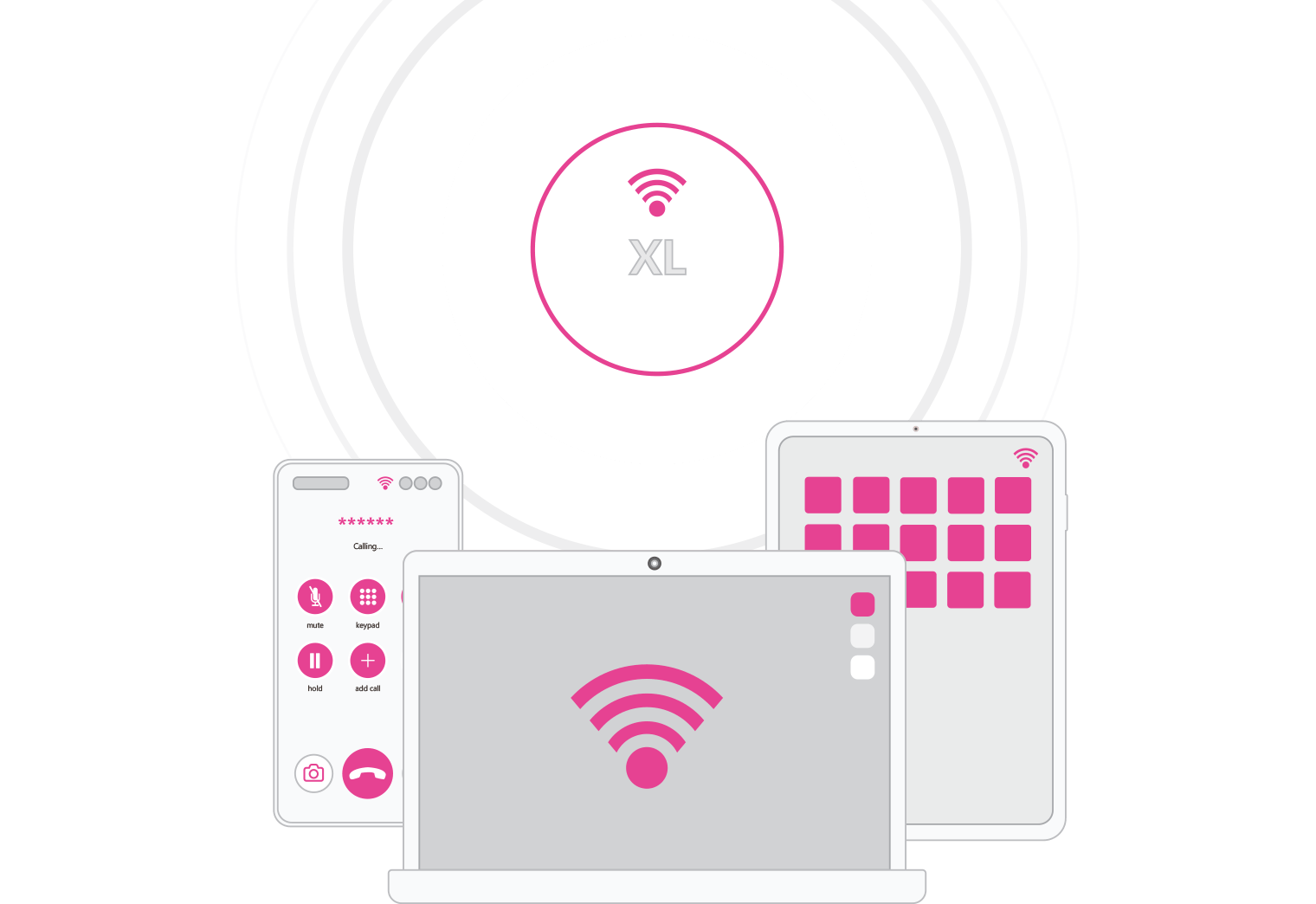
For schools in older buildings or rural areas, this upgrade is a game-changer because it addresses network concurrency. It ensures that when 30+ students in a single room all log on at once, the hardware can handle the data rush without the connection dropping or the lesson being interrupted by buffering.
Ultimately, while the funding provides the tools, the implementation ensures your network stays invisible so the focus remains entirely on teaching.
Why WiFi 7 is actually worth the fuss for schools
While WiFi 6 sets a high bar, WiFi 7 is a generational shift in how school networks handle device density, making it a fundamental redesign of how data travels through a crowded classroom:
- Increased Throughput: Think of this as the efficiency of your data. By using 4K-QAM, WiFi 7 packs 20% more data into every signal compared to Wi-Fi 6. This allows for nearly 46 Gbps in theoretical speeds - essential for schools running bandwidth-heavy labs or simultaneous 4K video streams.
- Wider Channels: WiFi 7 doubles the channel width of previous generations. In a busy school environment, this provides more "lanes" for data to travel, drastically reducing the interference and lag that often disrupt online assessments.
- Multi-Link Operation (MLO): In older systems, a laptop could only talk to an Access Point on one frequency at a time (like a car stuck in a single lane). MLO allows devices to send and receive data across multiple bands (2.4GHz, 5GHz, and 6GHz) simultaneously.
This technology effectively removes the 9:00 AM bottleneck. When multiple high-bandwidth devices hit a single access point at once, MLO ensures the connection stays consistent by automatically spreading the data load across all available frequencies. The result is ultra-low latency and a network that moves as fast as the curriculum.
Why choose TP-Link for the upgrade?
Investing in high performing hardware is important, but ensuring simple, campus-wide management is even more crucial. This is where TP-Link Omada SDN (Software Defined Networking) stands out. It integrates your gateways, switches, and access points into a single pane of glass - a central dashboard that is a key requirement for DfE compliance.
Beyond simple management, Omada uses AI-Driven Network Optimisation to keep the classroom running smoothly without manual intervention. It maintains a stable environment by scanning for radio interference and automatically shifting devices to the strongest signals as devices move between rooms. These features ensure that even if a single access point fails, the network instantly reroutes traffic to keep the lesson online without manual IT intervention.
By choosing TP-Link, you're investing in an intelligent infrastructure that is secure, scalable, and built to handle bandwidth-heavy educational tools.
Top 3 tips for picking the right hardware
Prioritise Connections over Coverage: When planning your network, it’s easy to focus on ‘bars of signal’in every corner of the building. However, in a school, density is much more important. A single tablet might show a full connection, but that doesn’t mean the network can handle 30 students trying to stream video simultaneously.
Don't Bottleneck your Speed: If you’re investing in WiFi 7, your physical cabling needs to be able to carry that data. To be DfE compliant, and build a future-proof network, your copper cabling should be Cat6A. Using older Cat6 or Cat5e is like, putting a high-performance engine into a car with flat tyres - you’ll never actually reach the speeds the hardware is capable of.
Keep it DfE-Friendly (and Budget-Safe):To stay compliant with DfE standards, your network must be centrally managed for security updates and troubleshooting. Many cloud-managed brands charge an annual subscription per device to keep that dashboard active.
TP-Link’s Omada system offers a huge advantage: central management via a hardware controller (or self-hosted software) with no ongoing license fees. You pay for it once, and it gives you full cloud access for life with no ongoing subscription fees. You get the professional, high end management you need, while keeping the long-term operational costs at zero.
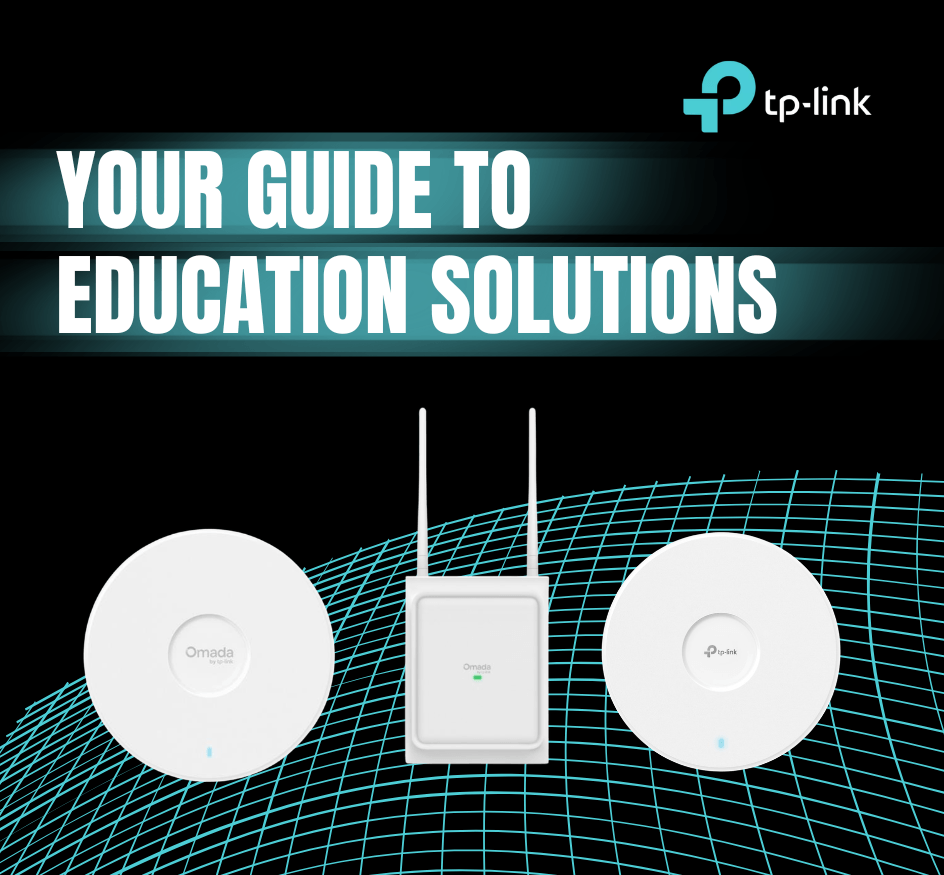
Choosing the best TP-Link WiFi 7 AP
Different areas of your school have different needs. Here’s how to pick the right tool for the job:
| Key Feature | EAP723 (High-Density Learning Spaces) | EAP787 (Shared & Transitional Areas) | EAP725-Outdoor (Outdoor Learning Areas) |
| WiFi Standard | WiFi 7 | WiFi 7 | WiFi 7 |
| Band Type | Tri-band | Tri-band | Dual-band |
| Maximum Speed | Up to 5 Gbps | Up to 15 Gbps | Up to 5 Gbps |
| High-Density Optimisation | 4K-QAM & 240 MHz channels | Advanced RF scanning & packet capture | Optimised outdoor coverage |
| Roaming & Mobility | Standard roaming | AI-powered roaming & mesh | Mesh support |
| Antenna Design | Internal high-performance antennas | Discreet ceiling-mount design | Directional or omni antennas (software-switchable), auto-sensing |
| Power & Deployment | 2.5G PoE+ | 802.3bt PoE | PoE support (indoor/outdoor ready) |
| Best For | Classrooms, lecture halls, exam spaces | Corridors, libraries, common areas | Courtyards, sports areas, outdoor classrooms |
| Management & Security | Cloud-managed security | Advanced monitoring & analytics | Cloud-managed |
Ultimately, a successful network is one that teachers and students don't have to think about. By upgrading to WiFi 7 with TP-Link, you aren't just meeting a DfE requirement, you’re building a foundation that will support the next decade of digital learning.
Future-proofing your investment
Ultimately, maximising the Connect the Classroom scheme is about more than just ticking a compliance box. It’s a strategic move to build an agile, high-performing infrastructure that remains invisible as you introduce more devices to the network.
By opting for WiFi 7 and AI-driven management, the network handles the data rush automatically and lessons run without a single loading icon so the investment has truly served its purpose.