What is HPE Aruba Networking? Everything You Need to Know
Business networks have a lot more to deal with than they used to. Alongside computers and phones, they may now be connecting everything from CCTV cameras and access control to IoT devices, video conferencing systems and cloud applications.
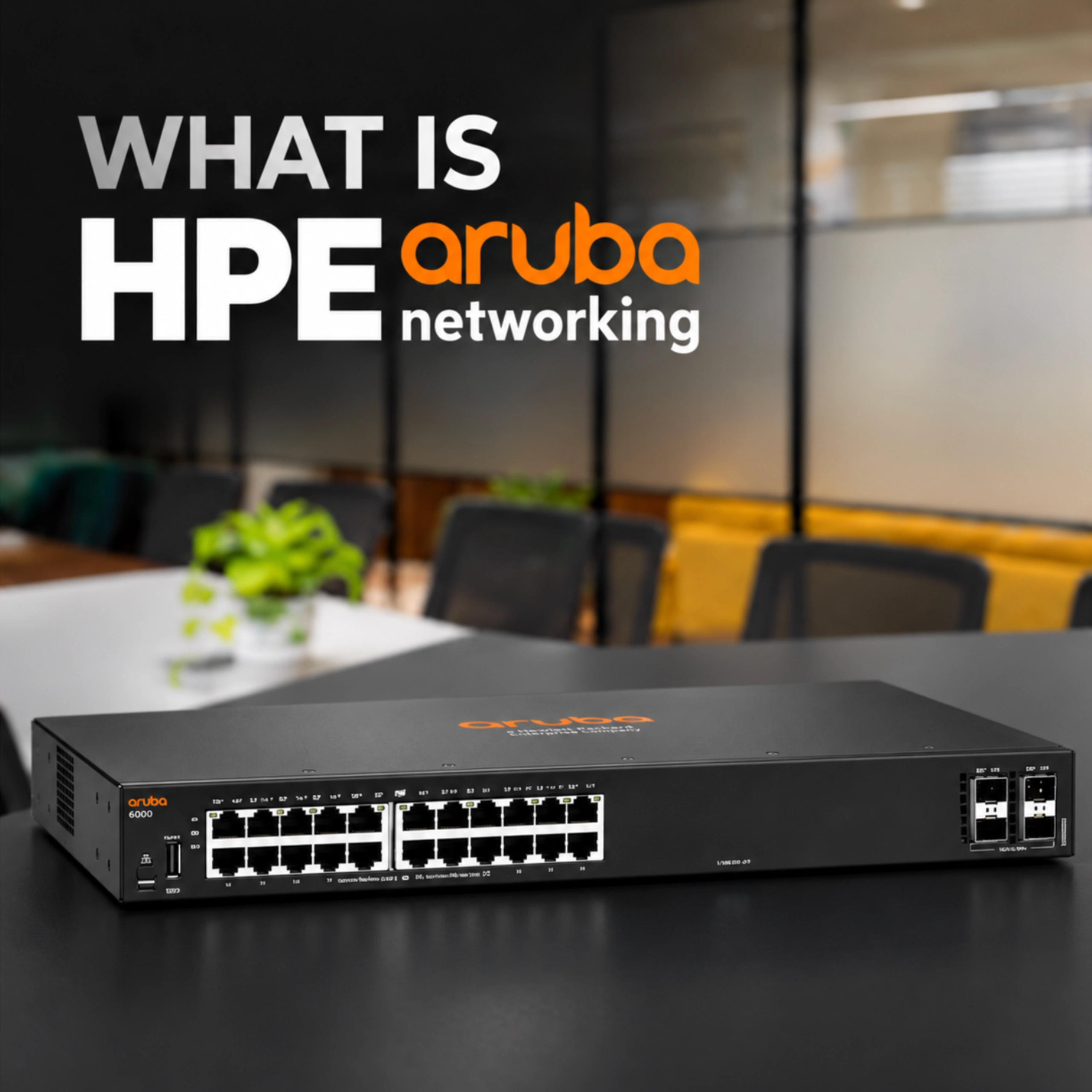
HPE Aruba Networking is the networking portfolio from Hewlett Packard Enterprise (HPE). It covers enterprise wireless access points, network switches and cloud-based management, with solutions for anything from individual offices to large, multi-site networks.
In this guide, we'll look at the main parts of the Aruba portfolio, how its technology works and where you might use it.
Why Do Businesses Use Enterprise Networking?
A basic network might be fairly easy to manage when there are only a handful of devices in one location. Add more users, access points, switches and sites, though, and it can quickly become harder to keep track of everything.
Enterprise networking is built with these larger and more demanding environments in mind.
Instead of treating every access point or switch as a completely separate device, IT teams can manage the network as a wider system. This makes it easier to see what's connected, spot problems and make changes across the network.
Some of the main benefits include:
- Easier network management
- Better visibility of connected devices
- Faster troubleshooting
- Improved security
- Support for larger numbers of users and devices
- More flexibility when adding new sites or infrastructure
Aruba combines its access points, switches and management tools to provide this type of joined-up network.
What Products Make Up HPE Aruba Networking?
The Aruba portfolio is mainly split across wireless networking, switching and network management.
Let's look at each in a little more detail.
HPE Aruba Networking Access Points
Aruba access points provide business WiFi across offices, schools, hotels, campuses and other commercial environments.
There are WiFi 6, WiFi 6E and WiFi 7 access points available, so the right model will depend on things like the number of users, coverage required and how demanding the network is. Models include:
| WiFi Generation | Aruba Models |
| WiFi 6 | AP-503R, AP-503, AP-503H, AP-505H, AP-515 |
| WiFi 6E | AP-615 |
| WiFi 7 | AP-725 |
The differences aren't only about WiFi generation, either. Aruba has several technologies designed to improve how the wireless network performs:
- ClientMatch - helps move devices towards a more suitable access point if their current connection is no longer the best option.
- AirMatch - automatically adjusts things such as channels, transmit power and bandwidth based on network conditions.
- Smart Mesh - allows compatible access points to connect wirelessly when running a cable isn't practical.
- WPA3 Security - provides stronger wireless security for users and devices.
- High-density Performance - useful in busy environments where lots of devices may be connected at once.
- Bluetooth Low Energy (BLE) and Zigbee support - provides support for a wider range of connected and IoT devices.
These features are particularly useful in places where people are moving around or where lots of devices are competing for wireless connectivity.
HPE Aruba Networking Switches
Access points handle the wireless side of the network, while switches connect the wired infrastructure behind it.
That could include access points, computers, servers, CCTV cameras, VoIP phones and other network devices.
Aruba's CX switch portfolio includes several ranges for different types and sizes of network.
Here’s a quick overview of some of the main CX switch ranges:
| Series | Best For / Key Features |
| CX 6000 Series | Entry-level option for straightforward access switching |
| CX 6100 Series | Faster uplink capabilities for networks needing more performance |
| CX 6200 Series | More advanced features, including Layer 3 capabilities and stacking |
The CX range runs on AOS-CX, Aruba's network operating system. Using the same operating system across supported CX switches gives administrators a more consistent experience as they move between different parts of the range.
It also means a business doesn't necessarily need the most advanced switch from day one. The network can be built around what is needed now, with more capable options available if requirements increase later.
What is HPE Aruba Networking Central?
HPE Aruba Networking Central is Aruba's cloud-based network management platform.
Put simply, it gives IT teams one place to see and manage supported Aruba infrastructure rather than having to log into devices individually.
Depending on the setup, administrators can use Central to monitor access points, switches and other supported network infrastructure across different locations.
For a business with several offices, for example, the IT team can see what's happening across those sites without needing to physically be there every time something needs checking.
Central can also provide information about connected devices, network health and performance, making it easier to understand what's happening across the network.
For newer WiFi 7 Aruba access points, Aruba Central is also an important part of the deployment and licensing model, with licensing applied per access point.
How Does Aruba Use AI?
AI in networking might sound more complicated than it actually is.
A network generates a huge amount of information about connected devices, performance and connectivity. On a large network, manually going through all of that data to find the cause of a problem isn't particularly practical.
Aruba Central uses AIOps, or Artificial Intelligence for IT Operations, to analyse network data and help identify potential issues.
For example, rather than waiting until several users report that the WiFi is slow, IT teams can use information from the network to investigate performance and identify patterns that could point towards a problem.
AIOps can help with:
- Finding network issues more quickly
- Reducing the time spent troubleshooting
- Monitoring overall network health
- Identifying opportunities to improve performance
It's essentially about giving IT teams more useful information to work with instead of expecting them to manually investigate every device and connection.
What is Aruba UXI?
User Experience Insight (UXI) looks at the network from a slightly different angle.
One of the easiest ways to think about UXI is as a "robot user".
It continuously tests WiFi, connectivity and applications in a similar way to a real person using the network.
That's useful because a device showing as online doesn't always mean the person using it is having a good experience. An application could be responding slowly, for example, even though the network equipment itself appears to be working normally.
UXI gives IT teams another way to spot these types of problems and understand what users are actually experiencing.
What Does Edge-to-Cloud Mean?
You'll often see "edge-to-cloud" mentioned when reading about Aruba, but what does it actually mean?
The "edge" is essentially where users and devices connect to the network. That could be an employee connecting their laptop to an access point, a CCTV camera connected to a switch or an IoT device installed elsewhere in a building.
The cloud side refers to platforms such as Aruba Central, where that infrastructure can be monitored and managed.
Bringing the two together allows IT teams to get a clearer view of what's happening across the network, even when devices are spread between different buildings or locations, perfect for remote working.
This is especially useful for organisations managing multiple sites, as the network doesn't have to be treated as a completely separate setup at every location.
Where is HPE Aruba Networking Used?
Aruba isn't limited to one particular type of business. Its networking equipment is used across a wide range of commercial and enterprise environments.
Corporate Offices
Offices can use Aruba to provide connectivity for laptops, phones, video conferencing and other workplace technology.
Features such as ClientMatch are also useful in larger offices because employees may move between meeting rooms, floors or different parts of the building while remaining connected.
Schools and Universities
Schools, colleges and universities can have particularly demanding wireless networks.
A lecture theatre or busy campus may have hundreds or even thousands of students, staff members and devices connecting throughout the day. Aruba's high-density wireless options are designed with these types of environments in mind.
Healthcare
Hospitals and other healthcare settings rely on connectivity for a wide range of systems and devices.
Aruba provides the wired and wireless infrastructure for connecting them, while its management tools give IT teams greater visibility of the network.
Retail
Retail networks can include staff WiFi, payment systems, digital signage, CCTV and other connected equipment.
For retailers operating several stores, centralised management also means IT teams can keep an eye on infrastructure across different locations from one platform.
Hospitality
Hotels and other hospitality venues need to think about both guest connectivity and their own operational network.
Alongside guest WiFi, the network might be supporting CCTV, point-of-sale systems, staff devices and other equipment throughout the building.
Is HPE Aruba Networking Right for Your Business?
HPE Aruba Networking is generally aimed at businesses that need more than a basic network setup.
Its portfolio covers the main building blocks of an enterprise network, including wireless access points, CX switches and cloud-based management through Aruba Central.
There are also more specialised technologies available depending on the network, including ClientMatch, AirMatch, AIOps and UXI.
For a smaller business, that could mean starting with the infrastructure needed for one location while having options to expand later. For larger organisations, Aruba provides tools for managing considerably more devices and infrastructure across multiple sites.
The important part is choosing the right combination of access points, switches and management for the environment rather than simply choosing the most powerful hardware available.