
How do I add a Shelly device to my Homey dashboard?
Integrating a Shelly device into your Homey dashboard is nice and simple! First, you'll need to download the Shelly app to ensure the Homey Smart Hub can communicate with the Shelly. Once that's done, you can integrate your devices!
In order to add a Shelly device into your Homey Dashboard, you need to go to the apps tab, then click the plus button.
Then, look up Shelly in the app store and download it!
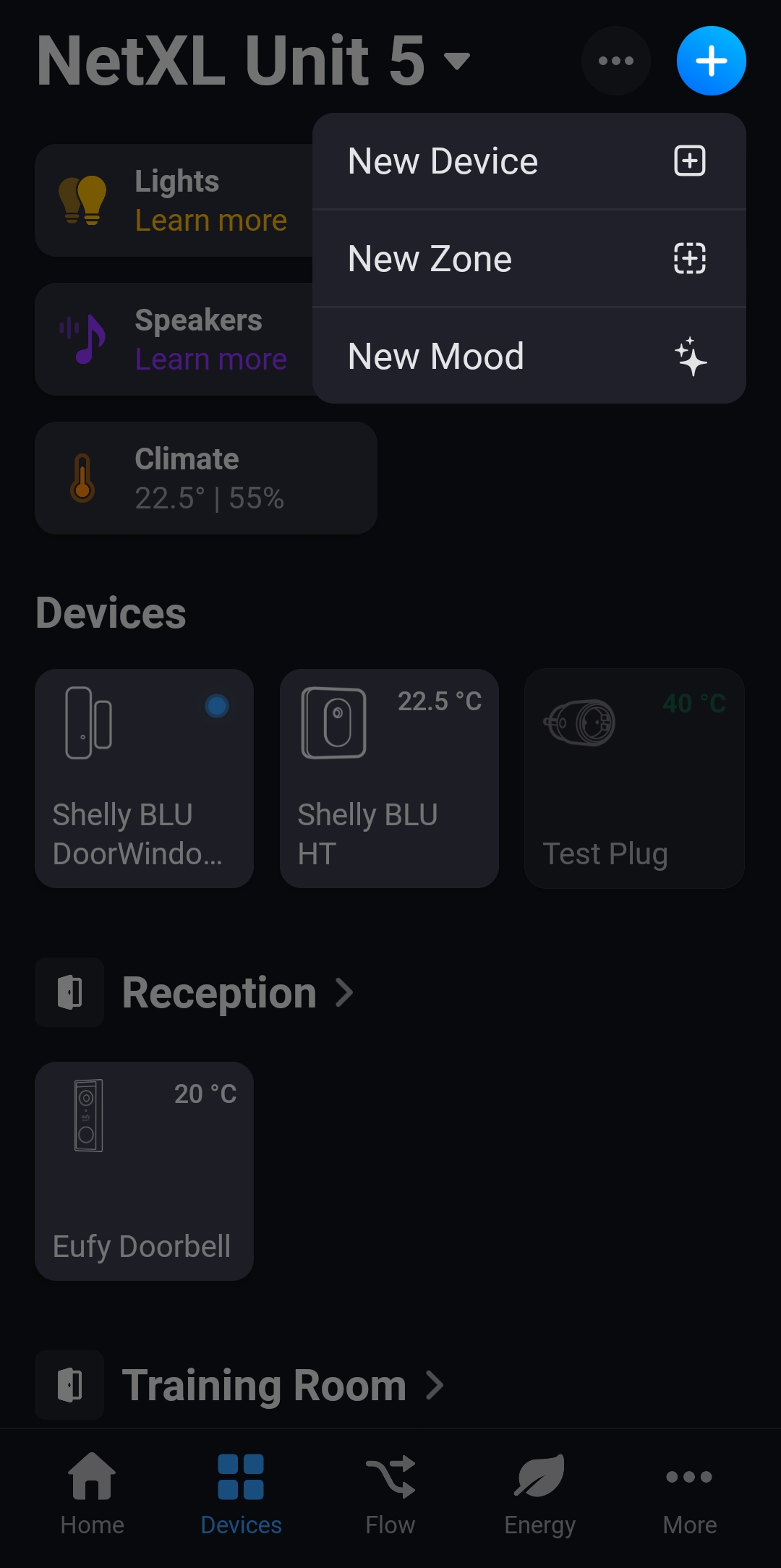
From this point, click on the devices tab at the bottom, select the blue plus button in the top right and, and press 'New Device'.
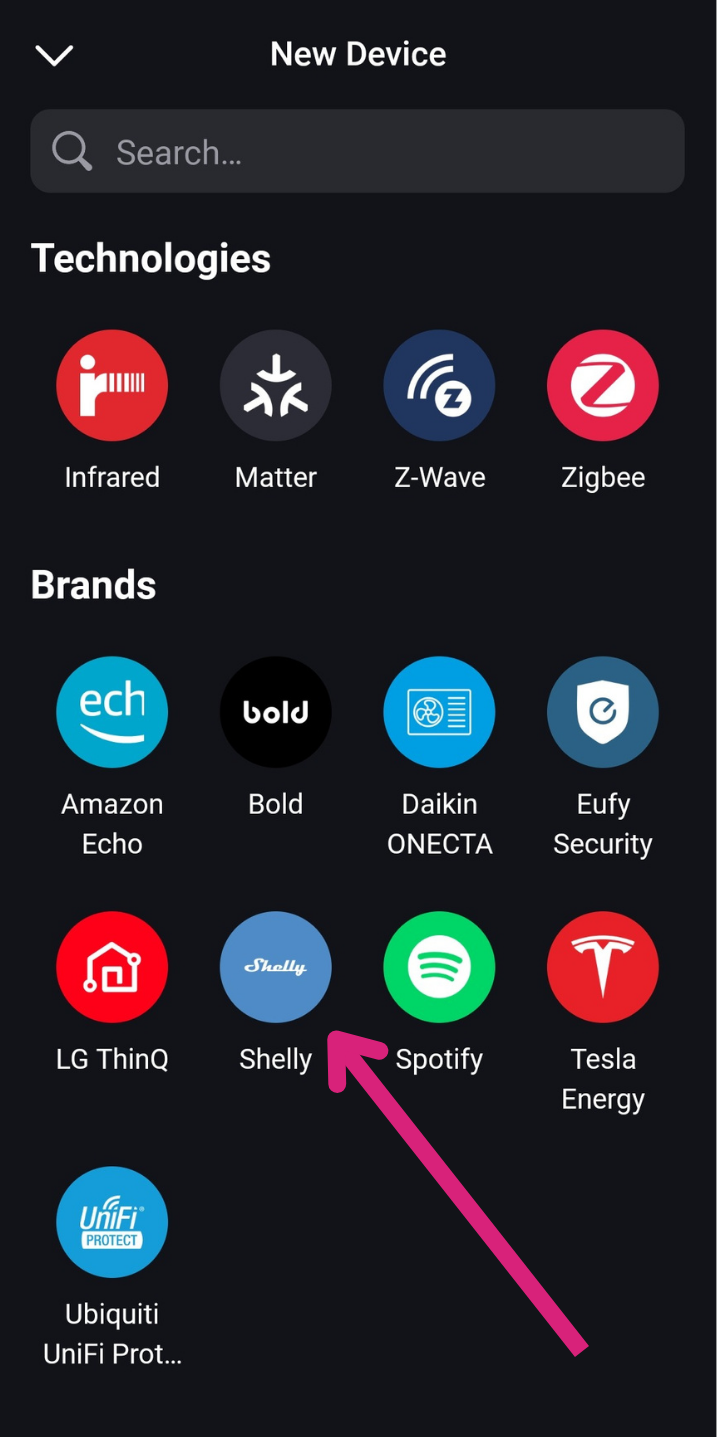
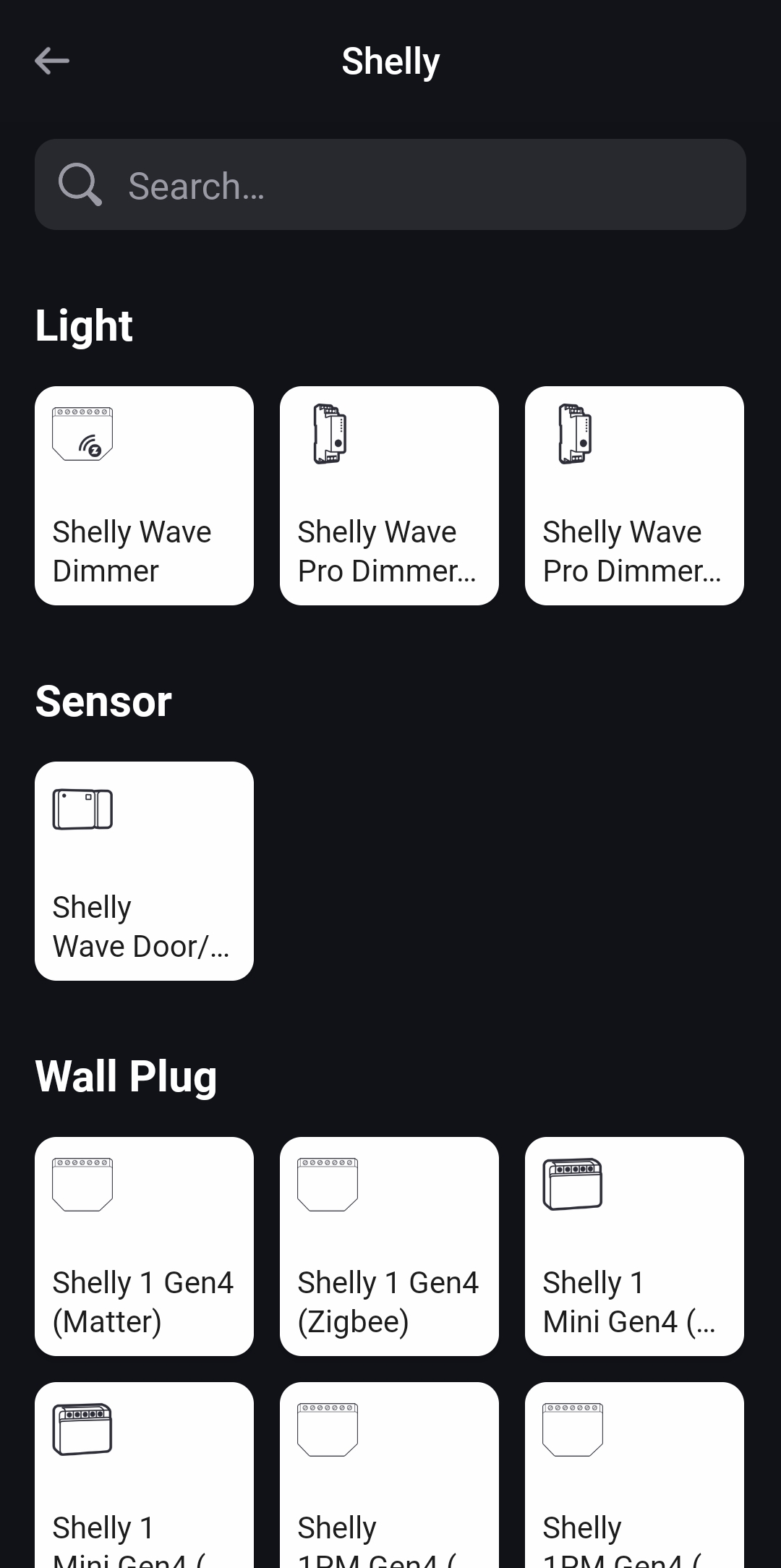
Select the Shelly app from the list, then click the device you're looking to add, and follow the on-screen instructions.
Your Shelly device should now be fully integrated with your Homey Smart Hub!