Setting up your Shelly Plug is quick and easy:
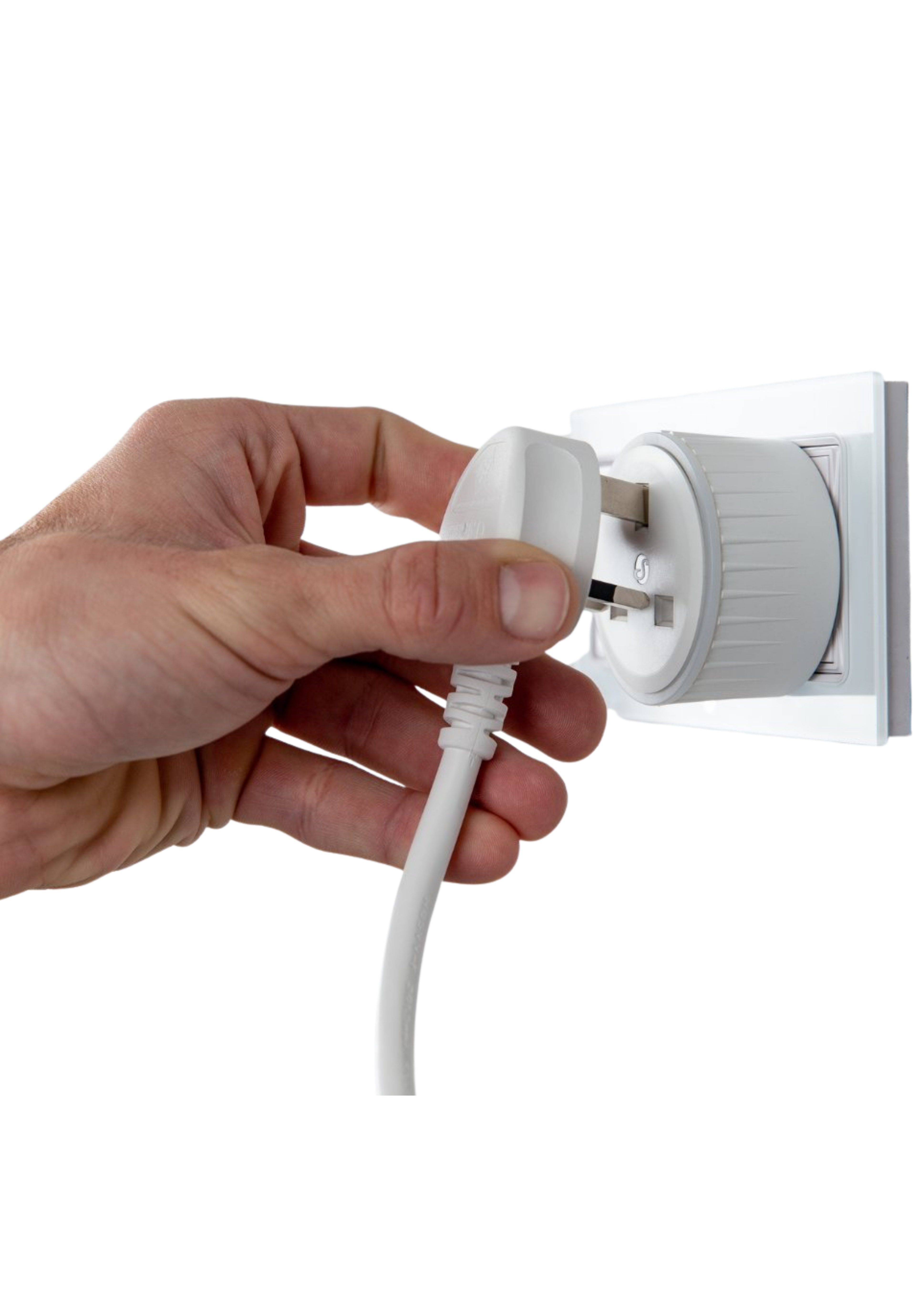
- Power On: Plug the Shelly Plug into a wall socket. Wait for the flashing blue light, which indicates the device is ready to pair.
- Download the Shelly Smart Control App: Install the Shelly Smart Control app on your smartphone or tablet.
- Enable Bluetooth: Ensure both Bluetooth and Location Services are enabled on your phone before starting setup.
- Add the Device to the Shelly App: Press the + symbol in the bottom right corner and select your inclusion method (Bluetooth, WiFi or network scan).
- Connect to WiFi: Select your local WiFi network and enter the password when prompted. Once connected successfully, the Shelly Plug will stop flashing.
- Finalise Setup: Give your Shelly Plug a name, assign it to a room, and configure any automations or schedules you would like to use.
Please note: the Shelly Plug is intended for indoor use only!