£0.00
NetXL Logo
Hello! Log InYourAccount
  • Networking
  • Antennas
  • CCTV
  • Smart Home & Security
  • Speakers
  • VoIP
  • Accessories
  • Brands
  • Bundles
  • Reduced
Help & SupportExpress ShippingTrade Account
Explore
  • Brands A-Z
  • Categories
  • Reduced & Clearance
  • Bundles
Trade
  • Apply for Trade Account
  • Trade Account Benefits
  • API
  • Extended Warranty
More from NetXL
  • About Us
  • Blog
  • News
  • Careers
Terms
  • Terms & Conditions
  • Privacy Policy
  • Extended Warranty T&C
Help & Support
  • Contact Us
  • FAQs
  • Delivery Policy
  • Returns
Apple Pay acceptedGoogle Pay accepted

Unit 4, Riverside Business Park, Walnut Tree Close, Guildford, Surrey, GU1 4UG

Registered in England & Wales. Company No: 13500507 VAT No: GB 386 0823 76

Copyright © 2025 NetXL Distribution Ltd, All rights reserved.

Want it by tomorrow? Order within 14 hours 58 minutes and choose DPD Next Working Day delivery at checkout for next day delivery.
Home
Bold
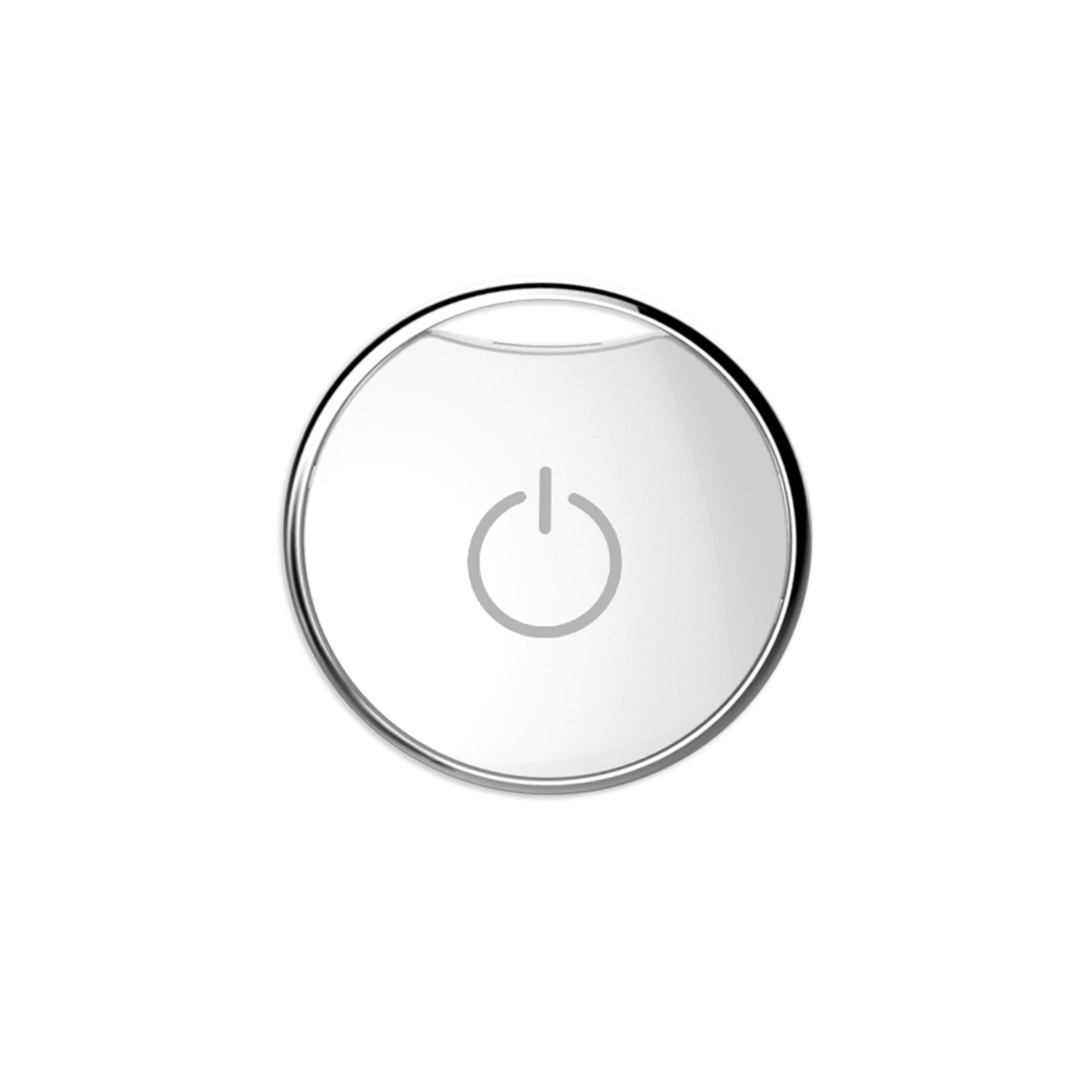
Bold Smart Door Clicker for the Bold Smart Cylinder Lock (Single)
Bold Smart Door Clicker - Single

Click to zoom

Bold Smart Door Clicker - Single
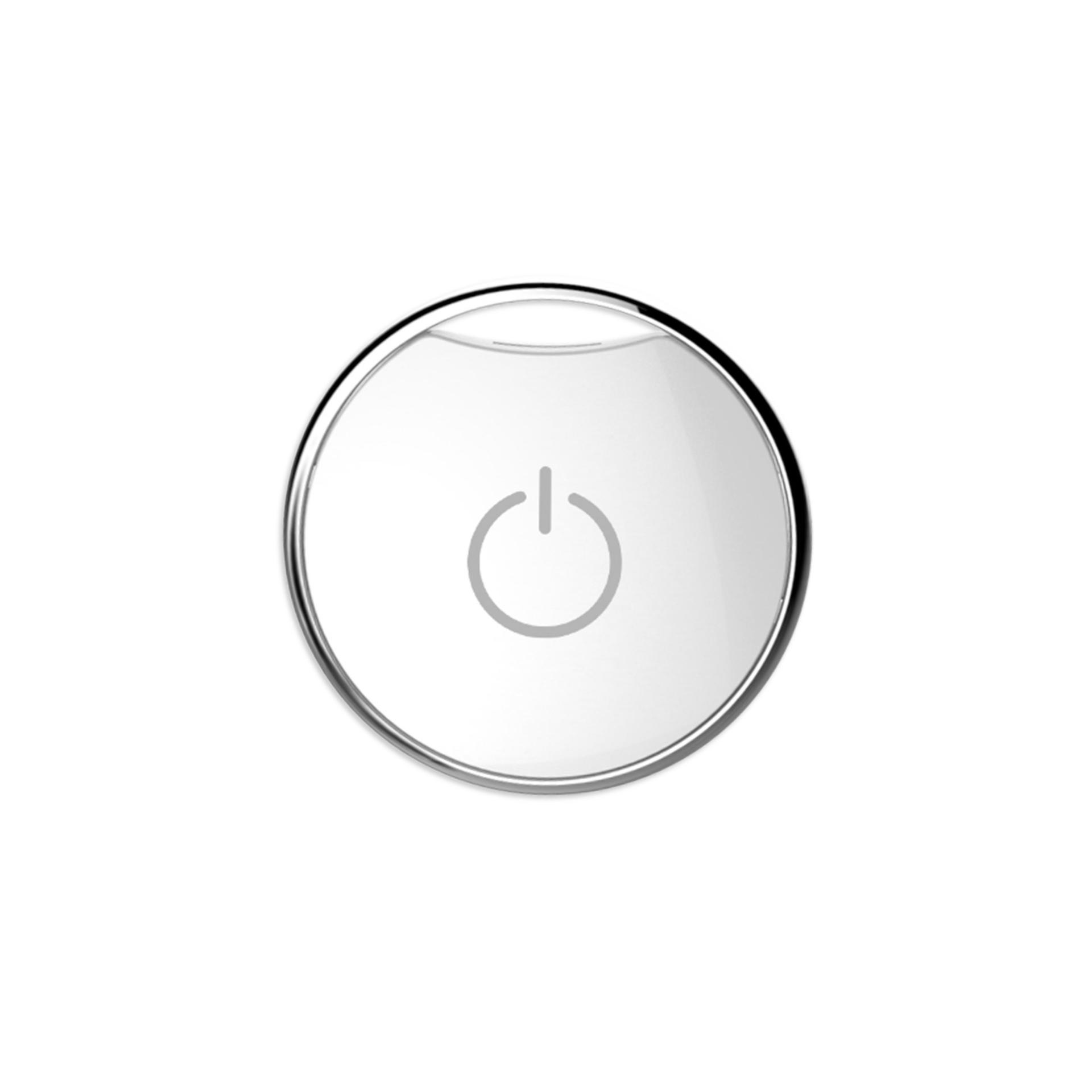
Bold Smart Door Clicker Front Angle Image
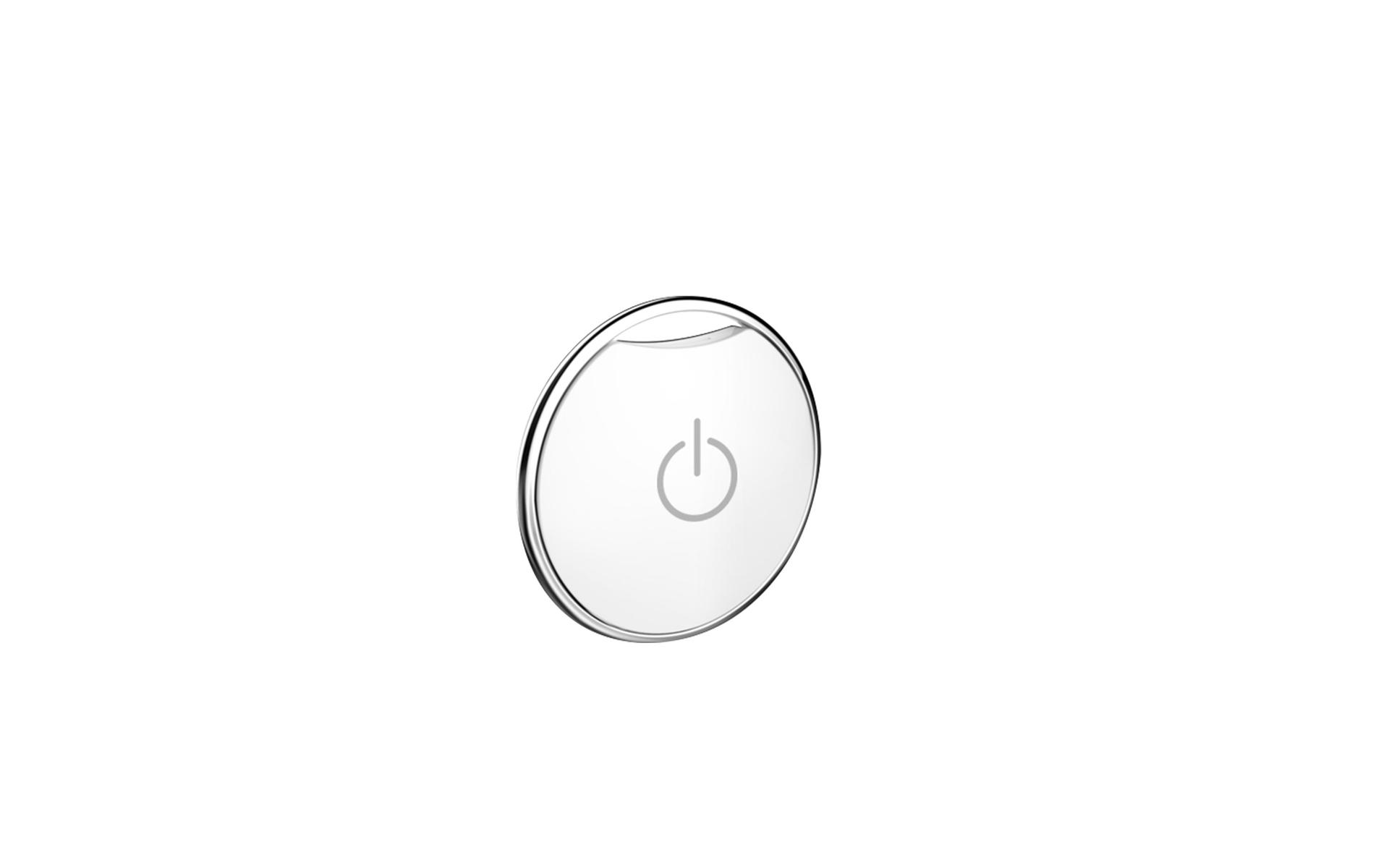
Bold Smart Door Clicker Side Image
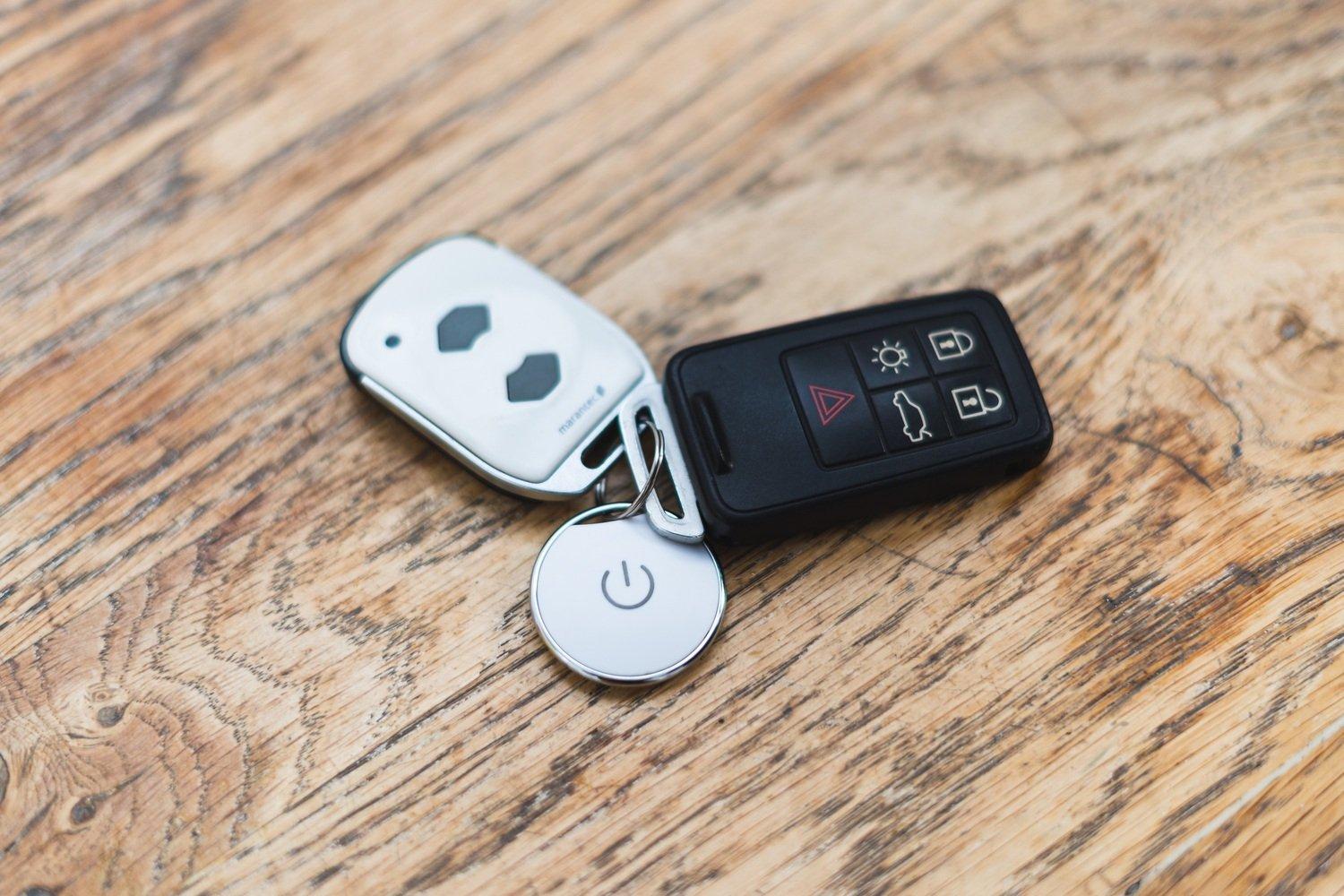
Bold Smart Door Clicker Keyring Image
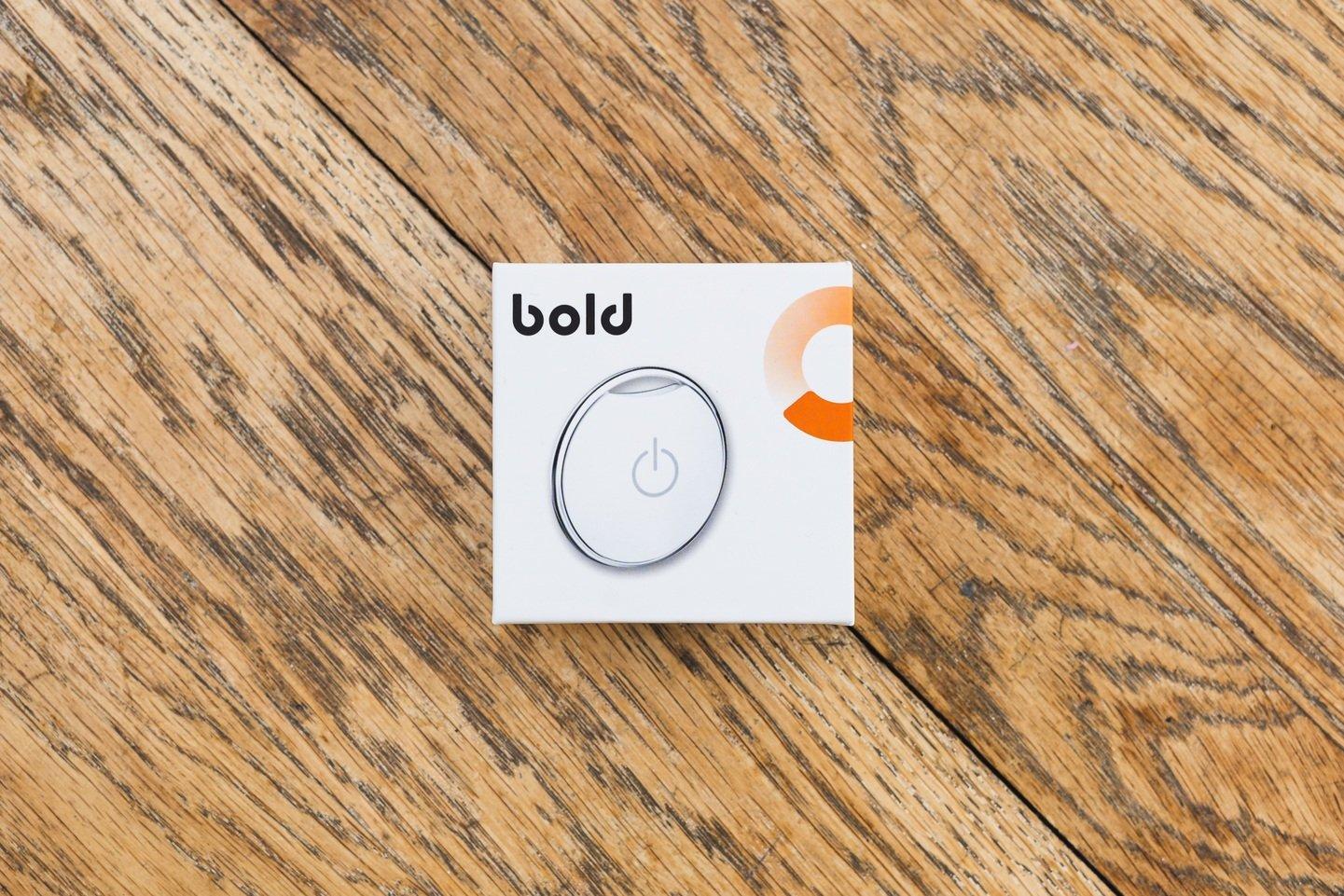
Bold Smart Door Clicker Box Image
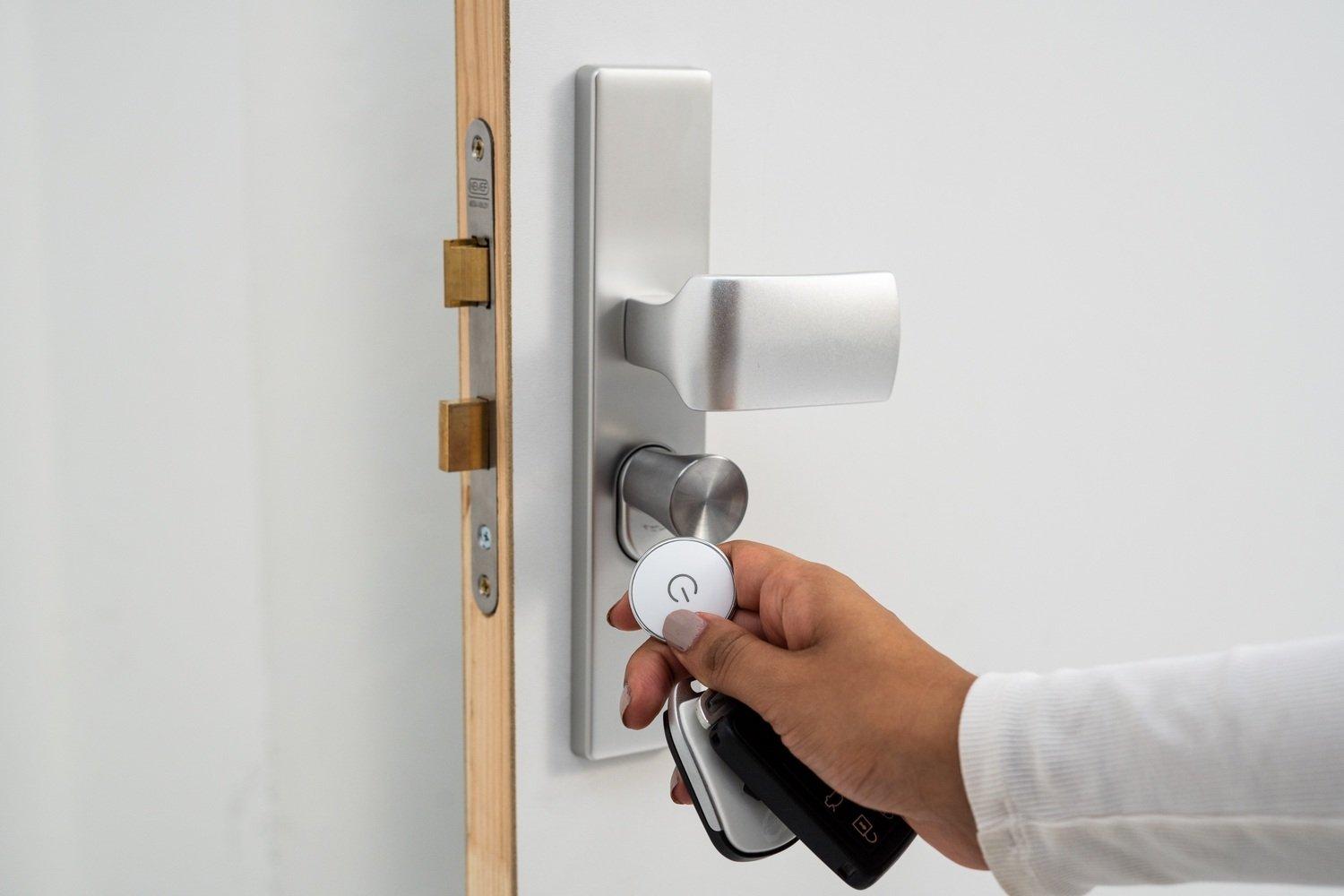
Bold Smart Door Clicker with Door
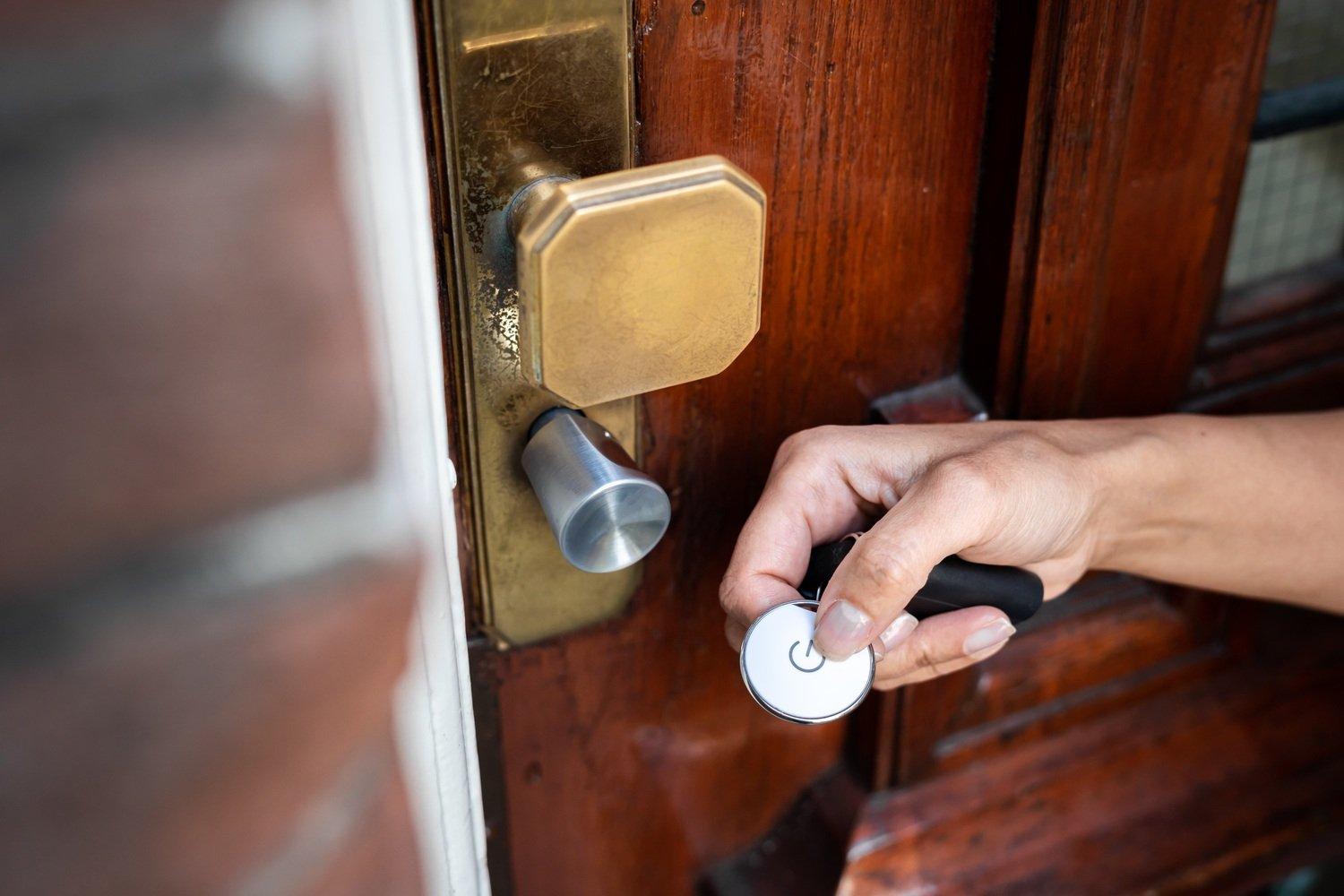
Bold Smart Door Clicker with Door 2

Bold Smart Door Clicker for the Bold Smart Cylinder Lock (Single)

Part Number: BOLD-CLICKER-SINGLE

£43.99inc VAT
£36.66ex VAT

88 In Stock

Single
4-Pack

Want it by tomorrow? Order within 14 hours 58 minutes and choose DPD Next Working Day delivery at checkout for next day delivery.

Easy Returns

Bulk Pricing

  • 1+

    £43.99

  • 5+

    £43.99

  • 10+

    £43.99

The Bold Clicker an easy alternative to safely open and lock the door, allowing you to activate your Bold Smart Lock by the click of a button. No smartphone? No problem!

Description

The Bold Clicker has a slim form factor so it can easily and discreetly attached to a key chain. You can connect up to 50 smart locks to just one clicker, making it convenient to use for both private and business purposes.

You can use the Clicker without the app, simply install the Clicker with the Bold app, and you’re ready to share the Clicker with someone without a smartphone. This makes the Clicker especially suitable for elderly, children and businesses.

To activate your Bold Smart Lock with the Clicker, you must be within Bluetooth range. This is about 2 to 3 meters.

As your Bold Clicker is linked to your personal account, if you misplace you Clicker you can simply open your Bold app and block the Clicker. You’re in control. Anytime, anywhere.

For further information about the Bold Smart Lock, read our blog!

Key Highlights

  • Digitise your key management
  • 100% keyless and convenient
  • Bluetooth with two-factor authentication and additional encryption
  • No limit to the number of Clickers per Bold Smart Lock
  • Connect up to 50 Bold Smart Locks to 1 Bold Clicker
  • Over 4 years battery life
  • Digital safety by end-to-end data encryption
  • Easily blocked by owner when it is lost

What’s in the box?

  • Bold Clicker

Documents

  • Brochure:Bold Smart Door Clicker Datasheet

  • User Manual:BOLD-CLICKER-SINGLE - User Manual

  • PSTI:BOLD-CLICKER-SINGLE - PSTI SOC

  • Simplified RED DoC:BOLD-CLICKER-SINGLE - Simplified RED DoC

  • EU DoC:BOLD-CLICKER-SINGLE - EU DoC

  • UK DoC:BOLD-CLICKER-SINGLE - UK DoC
You might also like

New
SHELLY-DUO-E27-GEN3-01

Shelly Duo WW/CW E27 Gen3 Smart Bulb

RRP£9.56inc VAT

Latest Tech News

Read Blog
How Is HPE Using AI to Make Networking Smarter?
NetXL 30 Sep 2026 | 5 min readHow Is HPE Using AI to Make Networking Smarter?

Discover how HPE is using AI-powered tools in Aruba Central to simplify troubleshooting, predict network issues and help IT teams manage networks more efficiently.

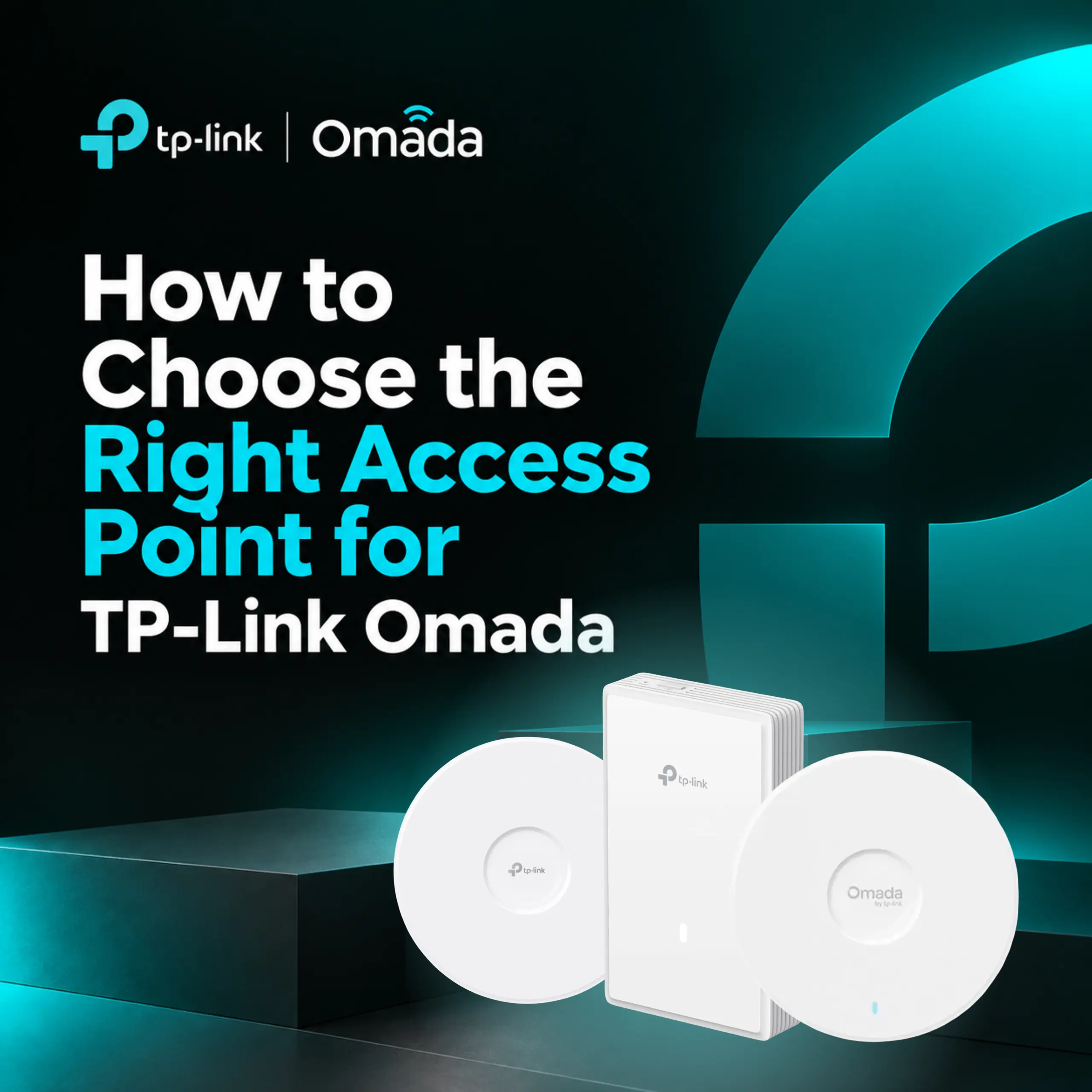
Which TP-Link Omada Access Point Is Right for Your Network?
NetXL 29 Sep 2026 | 5 min readWhich TP-Link Omada Access Point Is Right for Your Network?

A guide to TP-Link Omada access points, including indoor and outdoor models, WiFi 6 vs. WiFi 7, and how to choose the right AP for different environments.

What Is the Omada Fusion 2.5G Gateway?
NetXL 11 Sep 2026 | 5 min readWhat Is the Omada Fusion 2.5G Gateway?

A closer look at how Omada Fusion 2.5G combines routing, security and network management in one device.

NetXL Launches Free AI Account Access for Customers
NetXL 3 Aug 2026 | 5 min readNetXL Launches Free AI Account Access for Customers

Connect your NetXL account to ChatGPT, Claude and other AI assistants in minutes with secure, free access to pricing, orders, products and more.

What Is HPE Aruba Networking? Everything You Need to Know
NetXL 24 Jul 2026 | 5 min readWhat Is HPE Aruba Networking? Everything You Need to Know

A practical guide to HPE Aruba Networking, its key technologies, products and where they’re used.

How HPE Networking Instant On Enhances Guest Experiences Across Hospitality Environments
NetXL 8 Jul 2026 | 5 min readHow HPE Networking Instant On Enhances Guest Experiences Across Hospitality Environments

How HPE Networking Instant On Enhances Guest Experiences Across Hospitality Environments

DrayTek 2026 Product Update: WiFi 7, Multi-Gig Routers & Vigor Shield
NetXL 11 Jun 2026 | 5 min readDrayTek 2026 Product Update: WiFi 7, Multi-Gig Routers & Vigor Shield

From WiFi 7 access points to built-in network security, discover how DrayTek is evolving its business networking portfolio for faster, smarter and more resilient connectivity.

What is TP-Link Omada? The Business Network Solution Explained
NetXL 20 May 2026 | 5 min readWhat is TP-Link Omada? The Business Network Solution Explained

See how Omada simplifies business networking with seamless WiFi roaming, centralised cloud management and scalable SDN infrastructure.